
You are trying to access your file on iProf Versailles and the page is stuck, displays an error, or keeps redirecting you to the login screen. This scenario regularly affects teachers in the Versailles academy, especially since the security measures on the ARENA portal have been strengthened. The causes are often simple, but they vary depending on the type of blockage encountered.
Redirect loop between id.ac-versailles.fr and bv.ac-versailles.fr
This problem emerged with the widespread implementation of two-factor authentication (OTP) on the ARENA portal. After entering your academic credentials, the page alternates between two addresses without ever loading iProf. The browser seems to be going in circles.
The main cause: third-party cookies are disabled in your browser. The single sign-on (SSO) mechanism that connects ARENA to iProf needs to place a cookie on each domain crossed. If your browser blocks these cookies, the authentication chain breaks and the loop starts again.
To resolve this, open your browser settings, look for the “Privacy” or “Cookies” section, and then allow third-party cookies at least for the domains ac-versailles.fr. In Firefox, the “Strict Protection” mode blocks these cookies by default. Temporarily switch to “Standard” mode while you log in.
When you encounter this type of blockage, you can also access iProf Versailles with Eco Emplois to quickly identify the source of the problem.
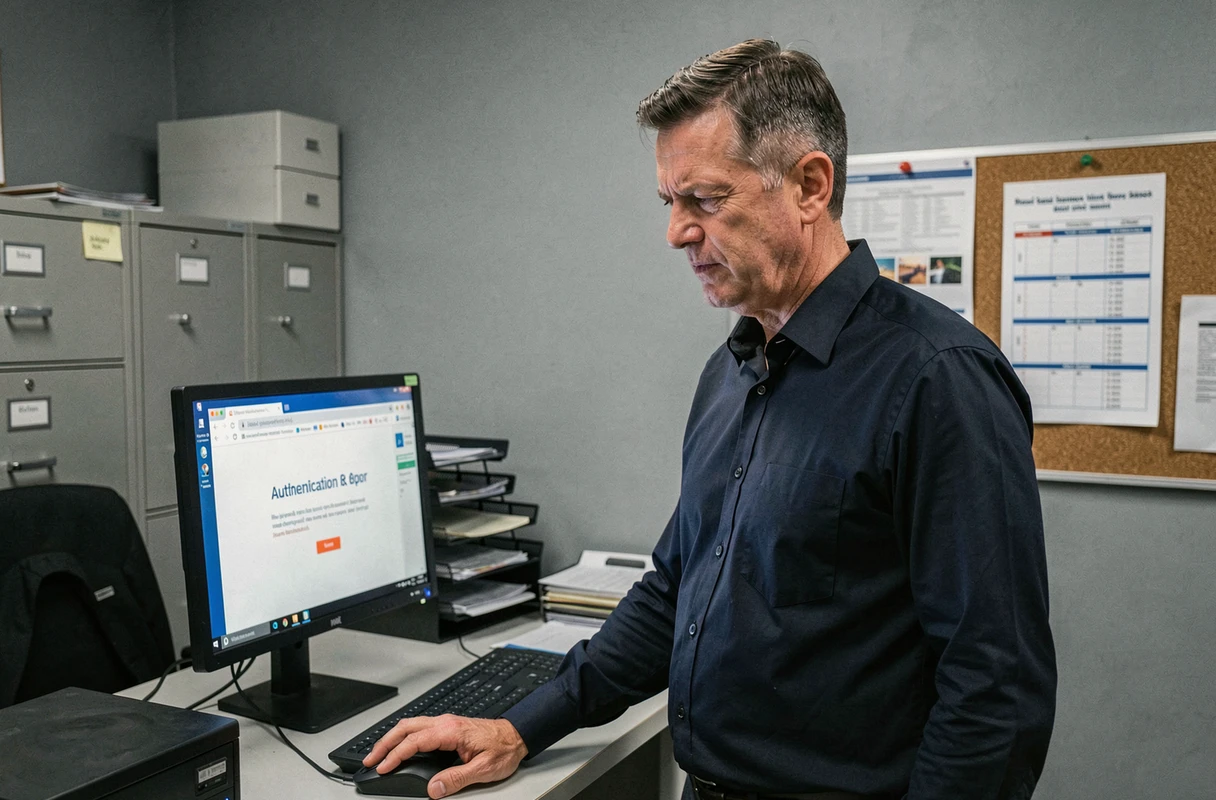
Expired or never received OTP code: iProf two-factor authentication
Since the summer of 2026, the Versailles academy has been gradually imposing a OTP code to log in to iProf via ARENA. This one-time code is sent via SMS or generated by an authentication app. In theory, the process takes a few seconds. In practice, several situations can cause it to fail.
The code expires before entry
An OTP code has a very short lifespan. If you switch tabs to check the SMS received on another device, or if you open another app on your phone, the time delay may be enough to invalidate the code. The most reliable solution: use split-screen mode on mobile to see the code and the entry page at the same time.
The SMS does not arrive
First, check that the phone number registered in your academic account is still active. A change of operator or an outdated number in the academic directory blocks reception. To change this number, you need to go through the portal id.ac-versailles.fr, under “My Account,” before trying to log in to iProf again.
- Check that your SMS inbox is not full; some older phones block new messages when the memory is full.
- Temporarily disable any anti-spam filtering on SMS, as some systems classify OTP codes as unwanted.
- If you are using an authentication app, ensure that your phone’s time is synchronized automatically, as a delay of a few minutes is enough to produce an invalid code.
SSO blockage: when ARENA cuts access to all academic services
The single sign-on (SSO) of the Versailles academy centralizes access to iProf, the ENT, and other services. The advantage is clear: one password for everything. The downside as well: a blockage on ARENA simultaneously locks iProf, email, and the ENT.
Have you entered the wrong password several times in a row? The account is temporarily locked. The duration of the lock varies, but it rarely exceeds thirty minutes. Waiting remains the fastest method.
If the blockage persists beyond this timeframe, the problem often stems from a malformed identifier. Your academic identifier follows a specific format (the first letter of the first name followed by the last name, sometimes with a number for duplicates). Typing a complete email address instead of this identifier will systematically result in a rejection.
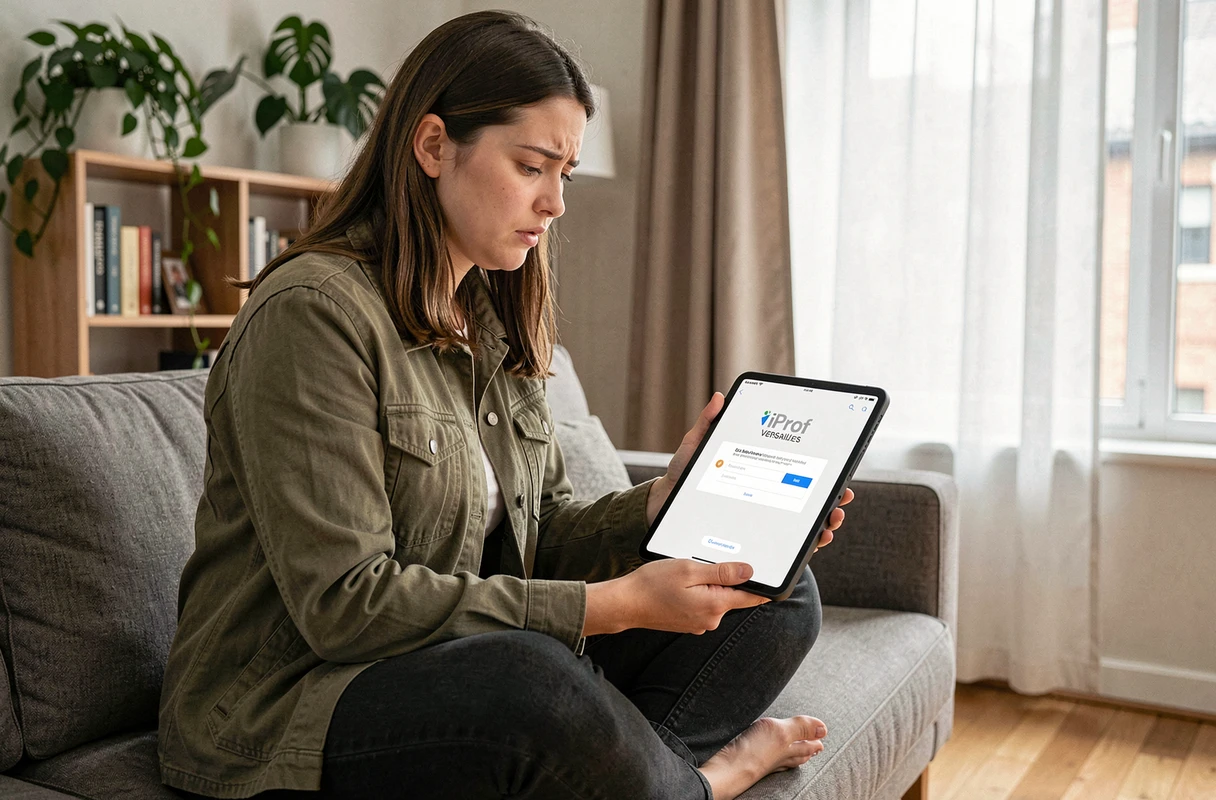
Resetting the password without contacting the rectorate
Go to id.ac-versailles.fr and click on “Forgot password.” The system will send a reset link to the backup email address you provided. If this address has never been specified, the only option is to contact your personnel management service, specifying your NUMEN.
Connecting to iProf Versailles from a mobile: settings to check
Many teachers attempt to connect to iProf from a smartphone, and failures are more frequent than on a computer. The ARENA portal is not a native application: it operates in the mobile browser, with all the constraints that this entails.
- Disable private browsing mode: this mode deletes cookies each time a tab is closed, interrupting the SSO chain.
- Prefer Chrome or Safari over the browsers embedded in applications (Gmail, Facebook) that limit cookie management.
- On Android, check in the browser settings that the “Block third-party cookies” option is disabled, as it is often enabled by default.
- If the authentication page displays a certificate error, update your browser: a recent SSL certificate may not be recognized by an older version.
The iProf Versailles portal remains a career management tool designed for office use. On mobile, the connection works, but it requires these few preliminary adjustments. An up-to-date browser, allowed cookies, and a valid phone number in your academic profile are enough to resolve the vast majority of blockages encountered by teachers in the academy.